How to Build Construction Management Software Like Fieldwire?
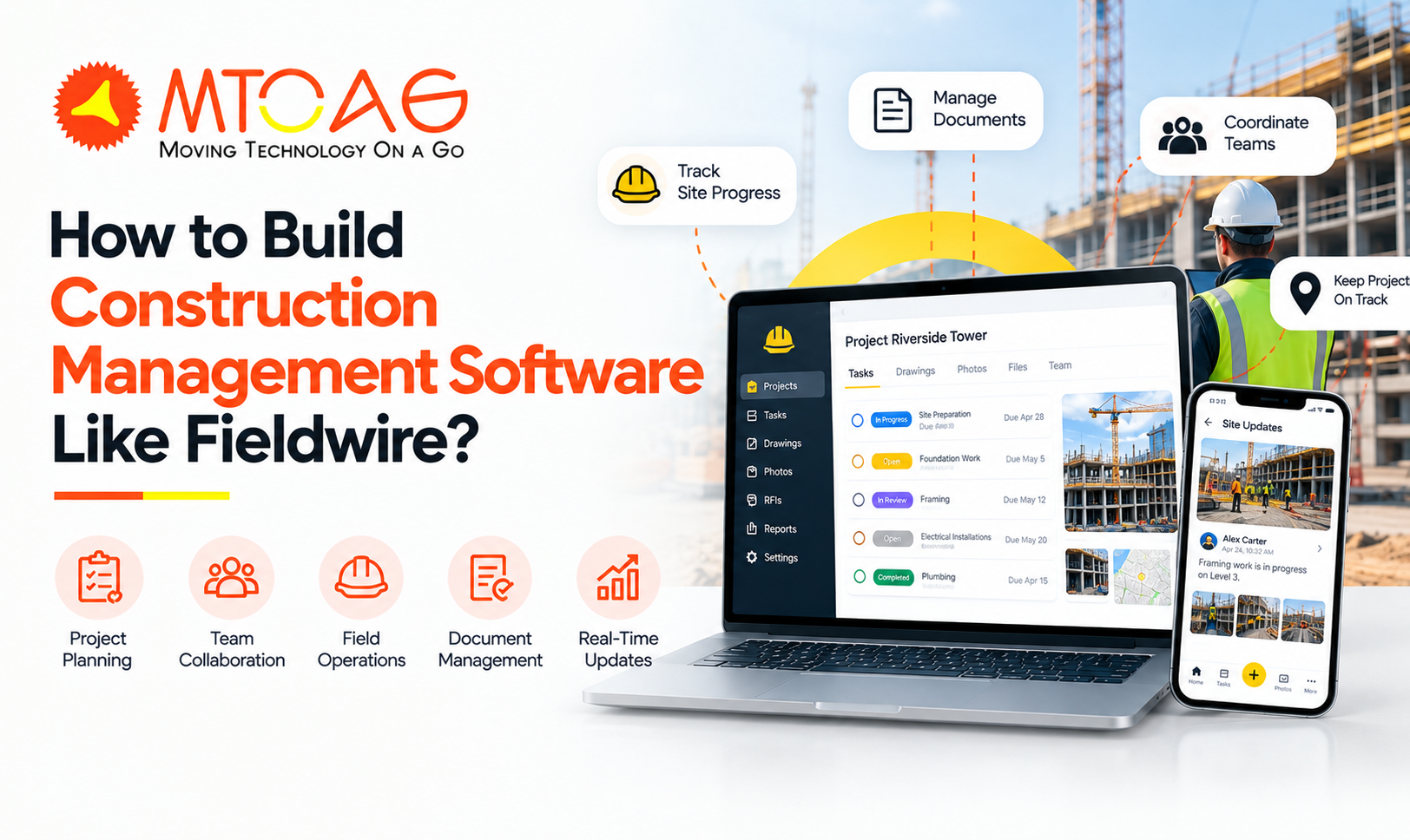
Construction businesses are often seen juggling between documents, tasks and drawings. Meanwhile, managing a jobsite further adds to their workload. But it's already 2027, and fortunately, today there is construction management software like Fieldwire. This construction jobsite management software can help plan, track and share tasks and project information with the crew in real time.
The success and efficiency of this platform have encouraged a number of UK-based construction businesses to invest in custom jobsite management software development. Building such a system is not rocket science; just a clear vision and scope guide you through the process.
And we will give you that vision and guidance through this detailed guide to building construction management software systems. We will cover all key aspects of a typical development process, alongside the features and average cost to build such software.
What is Fieldwire?
Fieldwire is a specialized jobsite management software for construction businesses that helps them plan and coordinate tasks, track their progress and manage documents in a single place. The platform is used extensively for commercial and industrial civil projects. It is used to assign work, share regular updates between staff and field crews, and maintain a single source for planning, task assignment, and inspections.
However, the platform was acquired by Hilti In 2021 as part of the company’s expansion plan. Fieldwire runs on a subscription-based model, with 4 tiers. First is the Basic plan, which is free and suitable for small teams, and then there are Pro, Business and Business Plus plans that are billed annually and start at $39 annually.
Here’s the overview of Fieldwire pricing plans:
Core Features of a Construction Management Software
Apart from task management, Fieldwire offers a broad selection of modules that cover a number of operations. If you want to build an app like Fieldwire, make sure to add these features and functionalities as part of the development:
Task Management: This feature allows users to pin tasks into the digital plans directly, assign them, attach checklists with photos, and set due dates. It also has role-specific views and real-time notifications.
Project Scheduling: Fieldwire allows users to coordinate trades and track progress across the site through Gantt charts, Kanban boards and calendar-based scheduling.
Punch Lists & Inspections: This feature allows staff members to click photos of the issues, generate PDF reports and assign inspection issues directly to the team responsible for them.
Submittals: The software automatically creates submittal logs from specifications to support collaborative workflows with suppliers and reviewers. It continuously tracks responses to make sure the materials are ordered on time.
Change Orders: This feature allows the team to track the order changes through approvals to simplify collaboration and reduce risk.
Budget Management: The modules offer a real-time view of financial exposure to help users import cost codes and assign costs to subcontractors.
Plan Viewing & Version Control: The team members can access, edit and annotate building drawings from any device. The system automatically syncs the sheets with cloud storage providers and tracks markups to maintain a searchable record.
Field Intelligence AI: The latest addition to this software is the added AI capabilities that allow users to ask questions about their projecta nd get instant answers. It automates updates, offers voice-driven task creation, and organizes information.
RFIs: The RFI modules help teams create and assign requests for information from the office or jobsite. It also allows you to link them to plans and maintain a central log.
BIM Viewer: Fieldwire’s BIM viewer feature helps crew members to access federated 3D models in the field to take measurements and create tasks in 3D with precise coordinates.
Step-by-step Process to Build an App Like Fieldwire
Here’s the most crucial part - the development process itself. I kept it simple so that you can collaborate with your development team more efficiently and never feel stuck:
1. Understand the Users and Their Work
First of all, start with requirements understanding. Take a notebook, write down your target audience and what they do every day. Make sure to write the entire flow from the manager assigning the task to workers checking the drawing, uploading the photo, and marking the task complete. Map these daily activities. Now, you get a better idea of the features and functionalities your software would need.
2. Choose the Core Features
Once the workflow is understandable, you have to decide what the first version of the app should have. In simple terms, you need to decide the core features of the app, such as project management, task assignment, plan and drawing management, document storage, checklists, photos, comments, notifications, and reports. Although you could also add more advanced functions, such as RFIs, submittals, BIM viewing, budget management, and AI features, it is better to introduce them later.
3. Design the App
After that, you need to design the platform to plan how the users will move through it. Make sure to keep the key actions easy to find. For instance, a worker should be able to open a project, find the assigned task, punch in and update status without navigating through multiple screens. It is better to design the web dashboard and mobile experience together for consistency
4. Build the Backend
It is time to build the backend that will handle all the information behind the app. It stores users, projects, tasks, drawings, documents, comments, checklists, and other project data. At the same time, it also controls who can see or change specific information. For instance, a manager can access the entire project, while a field worker may only see the assigned tasks.
5. Add Notifications and Integrations
The app should keep the teams informed when something changes. Make sure to add notifications so that users remain aware of new assignments, approaching deadlines, comments, document updates, and completed tasks. You can even connect the platform with other tools for cloud storage, accounting or project management.
6. Test the Complete Workflow
Once the development is complete, ask the team to test the platform using actual construction scenarios. For instance, check the flow –
Create project → Upload plan → Assign task → Complete work → Add photo → Update status → Generate report
Check whether the process works smoothly on all devices and whether users are able to find the information easily and quickly.
7. Launch the MVP
See you better don’t rush to launch all features at once. Make sure to include the core features and functionalities first. And after the launch, collect feedback and see how teams are actually using the platform.
8. Improve and Expand
After your app is launched, make sure to keep an eye on it. Based on the users’ feedback, usage patterns and evolving business requirements, you can introduce more advanced features, such as AI assistance, BIM capabilities, integrations, RFIs, submittals, and advanced reporting. This approach helps keep everything aligned.
How Much Does It Cost to Develop a Construction Management App?
While the actual cost of developing a construction management app is difficult to calculate without the exact project requirements, we can only estimate based on industry averages. For a rough estimate, you can consider these figures:
Basic MVP: $20,000–$40,000
Mid-level app: $40,000–$80,000
Advanced platform: $80,000–$150,000+
However, there are several factors that can affect the final development cost, including the number of features, platforms, development team’s location, complexity of the platform and other ongoing expenses, such as cloud hosting, security, maintenance, third-party APIs, bug fixes, and future feature updates.
Conclusion
Fieldwire already controls a good share of the construction market, but now it's your time to shine with your app idea. Try to find out the loopholes in existing platforms and work on them, provide users the value they want, understand the site challenges, workflows and business goals, and you will automatically get all the answers.
And remember to first go with an MVP and then gradually introduce new features, better automation, integrations and AI capabilities.
If you have an idea for construction management software, Mtoag Technologies can help you with their 17+ years of expertise and experience in software development. Talk to our expert team, tell them your requirements, sit back and relax.
FAQs
What is Fieldwire Used for?
Fieldwire is used by construction Teams to manage jobsites, assign tasks, view and mark up plans, share photos and documents, track work, and coordinate field and office teams in real time.
Is Fieldwire Any Good?
Fieldwire is well-reviewed for construction task management, plan viewing, and field coordination. User reviews commonly highlight its ease of use, while some users mention limits in customization and advanced workflows.
Is Fieldwire by Hilti Free?
Yes, Fieldwire by Hilti Has a free Basic plan with plan viewing, task management, files, photos, and checklists. It is limited to 5 users, 3 projects, and 100 sheets.