Mobile App Design Guide 101: How to Design a Perfect App?
“First impression is the last impression,” the saying fits everywhere, whether it’s about human personality, brand identity, or a mobile app. How your mobile application looks and feels to the end user decides whether it survives in this competitive market or gets lost among the 80% of business apps that fail each year due to poor mobile app design and user experience.
As industry insiders, we have seen businesses rushing to get their mobile app rolled out as soon as possible, often overlooking the design part. However, this rush led them to failure. So, as much as the functionality and performance of an app matter, UI/UX design holds equal importance.
Through this guide, we will share some of the key insights and guidance to design a perfect mobile app from scratch.
Why Mobile App Design Matters?
Mobile app design is a foundational process in the mobile app development lifecycle that focuses on making the application smooth, visually appealing, functional, and including every element a user wants or thinks of.
The idea behind designing a good mobile app is to make it stand out from competitors and avoid repeating the design mistakes that caused theirs to fail.
With the right design and flawless navigation, your app can easily reach and connect with the masses. The application development process can’t move ahead without UX & UI design. And the whole purpose is to plan an app that makes an impactful experience for the users so that they return. The better your app design is, the more users will actively take actions within it.
Are There Any Specific Mobile App Design Guidelines?
Yes, there are some app design guidelines provided by both Apple and Android. Apple offers detailed Human Interface Guidelines for app UI and UX.
Similarly, Android also shares a set of Google’s Material Design guidelines to ensure the app appears more in sync with its operating system and works more smoothly.
The very first thing is to understand these guidelines and adhere to them to optimize the design elements that your end-users think of.
Here’s what mobile app design guidelines suggest:
Simplicity
Simplicity wins everywhere. Instead of making your app baggy and full of irrelevant features, make it light and navigational. Minimalist designs are in trend now, and people love ease of use and intuitive interfaces.
- Streamlined Layout: When designing an application for a mobile device, you must make sure that its layout is clear and uncluttered with ample use of whitespace to allow content to breathe.
- Intuitive Navigation: It is noteworthy that a perfect app is one that is clear and has intuitive navigation paths, allowing users to seamlessly switch between tab bars, swipe gestures, and navigation bars.
Consistency
See the biggest example of consistency is iPhones. Even if you compare features and UI from iOS 16 to iOS 26.0.1, the UI and UX consistency remains the same, focusing on simplicity.
Both Android and Apple have guidelines for mobile app design that promote familiarity and consistency. Adhering to these guidelines ensures that a uniform and seamless user experience is delivered, irrespective of device model.
Users should connect to the mobile app and its interface, even if they are using it for the first time. So, will you do that? Here’s how:
- Follow the Specific Guidelines: As mentioned above, both Android and Apple offer design guidelines; it is better to stay updated and stick to the latest guidelines. These cover everything from icon design, fonts, to button style.
- Leveraging System UI Elements: A mobile app designer should be aware of the native mobile controls and UI elements to make sure they remain consistent across different devices.
Typography
Typography is as important as simplicity and consistency. It impacts the overall design of the application. Therefore, it is important to pay attention to and ensure your chosen fonts enhance the UX. Here’s how you make it:
- Clear and Readable Text: The font size should be clearly visible and readable. They shouldn’t be so small that you need a spec to read them or so large that they impact the overall design of the app. The pro tip here is to avoid using decorative fonts that can affect the readability. Stick to recommended system fonts.
- Font Sizes and Hierarchy: App designers should design a clear hierarchy of font sizes to grab users’ attention. You can use large font sizes for headings and important information, and gradually reduce the sizes for subheadings and body content. Maintaining consistency is of utmost importance in app design.
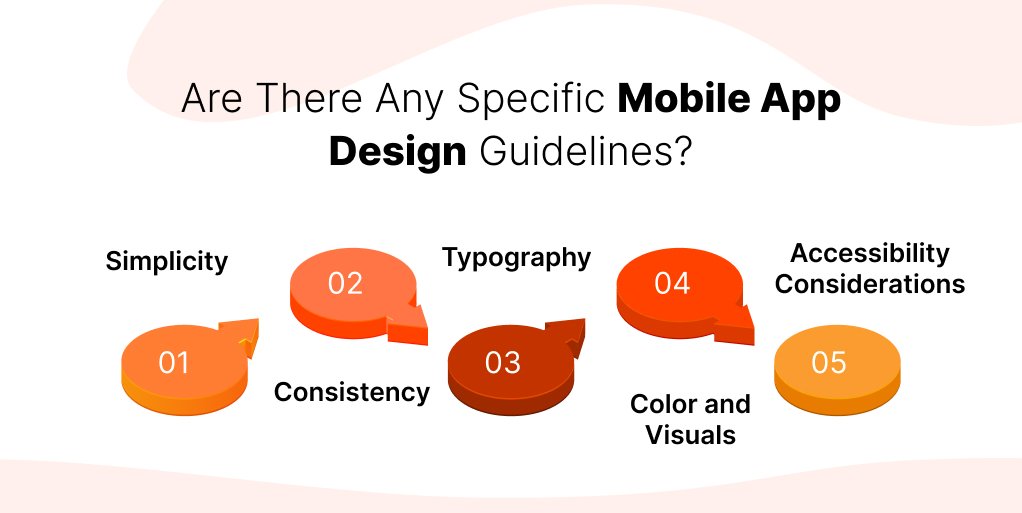
Color and Visuals
The choice of visuals and color scheme has an undeniable effect on the overall aesthetic of the mobile app. They can reinforce brand identity, invoke emotion, and even entice users to take action. Here’s how you can use them to your advantage:
- Consistent Color Palette: Consistency makes your app win users. Choose a color palette that fits best in your app’s branding and purpose. Avoid using too many colors or try to make multiple color screens. You can follow Apple’s color guidelines to ensure it stays consistent with the mobile ecosystem.
- Use Color to Enhance Functionality: Use color that enhances the information, not confuses it. For instance, you can use color to indicate different states of buttons.
Accessibility Considerations
Accessibility is one of the biggest considerations in mobile app design principles. Those who design keep accessibility in mind are sure to get a wide range of users, including those with hearing or visual impairments. Here’s how you can make your app accessible for all:
- Dynamic Typing: The functionality allows users to adjust the app’s font size as per their convenience. This enables the text to remain readable, legible, and accessible to all users.
- Contrast and Visual Accessibility: Make sure there is sufficient contrast between the background colors and the text for better readability. Also, consider users with visual impairments.
Adhering to these mobile app design guidelines, you can design a perfect app that users want to return to. Apart from these, there are some dos and don’ts you should keep in mind while designing an app.
UI & UX Design Do’s and Don’ts
Here’s a list of best practices you should follow to make your app look and feel perfect to the users, along with some mistakes to avoid.
Dos of Mobile App Design
- The very first thing is the research. You must do proper market research and look at your competitors’ apps to find flaws and errors that you must not repeat.
- Consider designing your app for the possible screens and orientations in which it will be used.
- To make your app look aesthetically pleasing, it is important to manage white spaces and minimal elements.
- Plan the screens to be less cluttered and more functional to make it look classy, not sophisticated.
- Consider the device and operating system capabilities, and optimize the design accordingly.
Dont’s of Mobile App Design
- Don’t try to be influenced by the unnecessary design tricks, and avoid adding flashy animations, unnecessary design elements.
- While designing an app is important, its performance holds the same importance. You must ensure that the design you implement will not impact the app’s performance or usability.
- Although it is good to follow the latest mobile app design trends, it sometimes backfires. We have seen several applications making this mistake of changing their existing minimalist design just because something trending has popped up.
- Too much of anything is always harmful. Balance is everything here. Make a balance between design, functionality, and any other element.
How to Design a Perfect Mobile App?
So, if you have been reading this guide since the start, you might already know how to design a mobile app that speaks for itself. But if you are still in doubt, here’s a complete process:
Step 1. Planning and Research
The very first step in any process is to research and plan accordingly. Do your research and competitor analysis to find out how their apps look and feel. Write down all the flaws and extra features you want in your app.
Additionally, it is better to know your targeted audience and the goal behind launching the app. List down all the features and functionalities that you want your app should have.
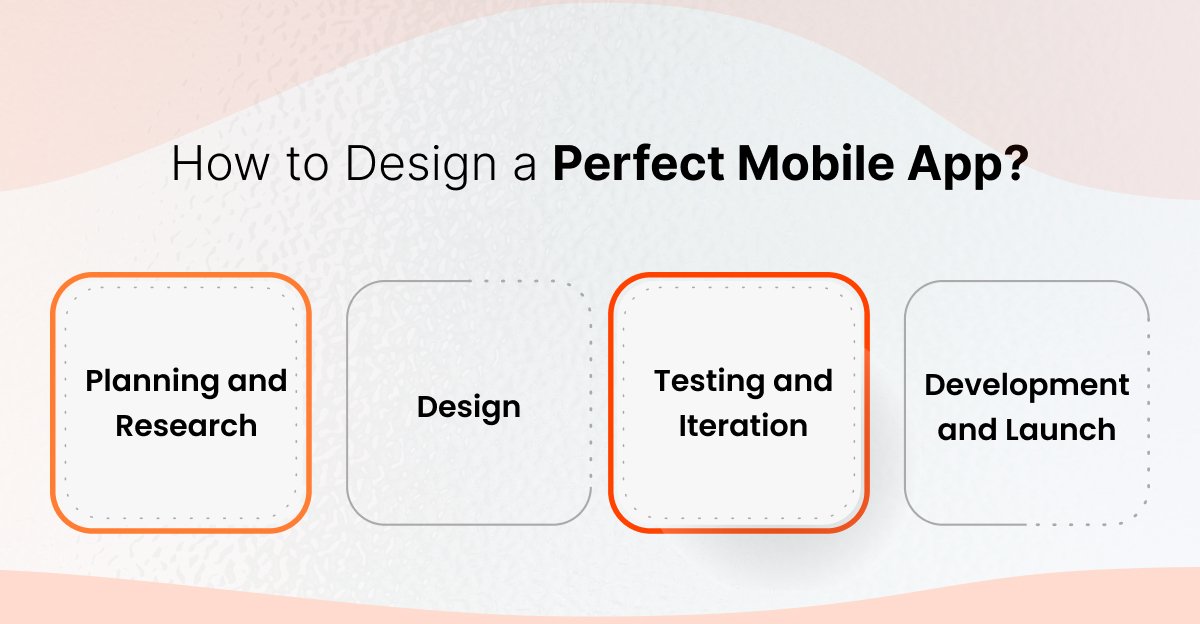
Step 2. Design
After you have done your side of the research, it is time to put that knowledge to the test. Create foundational layouts and structural blueprints of your apps’ screens to visualize the hierarchy and the flow.
After that, choose a consistent color scheme, palette, iconography, and typography. Prioritize adding only the essential elements. Make sure your design is touch-friendly and uses readable fonts.
Step 3. Testing and Iteration
After building the prototype, test it for usability and identify the issues through feedback. You can gather the feedback through surveys or analytics.
Now, make necessary changes and adjustments based on the user feedback before rushing towards the development phase.
Step 4. Development and Launch
After everything is finalized and the client approves your design, create a complete design system for the development team. It is a better idea to develop the Minimum Viable Product (MVP) before the core version of the app.
Now, perform multiple tests on the app to ensure the performance and quality. After working on the feedback and making the adjustments, submit your app to the respective app stores. Once approved, your app will be live. It is noteworthy that even after your app launch, you need to continuously improve and update your app based on performance tracking and user feedback.
Conclusion
In the end, we would only say mobile app design is the crucial part of the entire mobile app development, something without which the process remains incomplete.
With all these discussions in this guide, you might have understood what it takes to design a perfect app. However, understanding the process is just halfway; the next big step is to find and hire UI/UX designer who is capable of doing so.
We, at Mtoag Technologies, pride ourselves as one of the best Mobile app design and development companies, having a proven history of delivering apps that are making good business in the market.
Frequently Asked Questions (FAQs)
What’s the Difference Between UX and UI Design?
UX (User Experience) focuses on how users interact with a product, including its usability, flow, and satisfaction. UI (User Interface) deals with the visual design, i.e., colors, typography, buttons, and overall aesthetic appeal that enhances the experience.
What are the 4 Golden Rules of UI?
The four golden rules of UI are: keep interfaces consistent, provide clear feedback, design for user control, and reduce cognitive load. Together, these make interactions simple, predictable, and enjoyable for users.
What Skills do UI Designers Need?
UI designers need strong visual design sense, knowledge of typography and color theory, proficiency in tools like Figma or Adobe XD, attention to detail, creativity, and understanding of user behavior and accessibility principles.
What are the Top Mobile App Design Trends in 2026?
In 2026, mobile app design trends include AI-driven personalization, immersive 3D interfaces, gesture-based navigation, voice-assisted interactions, dark mode refinement, and minimal yet vibrant designs focused on speed, accessibility, and real-time user experiences.